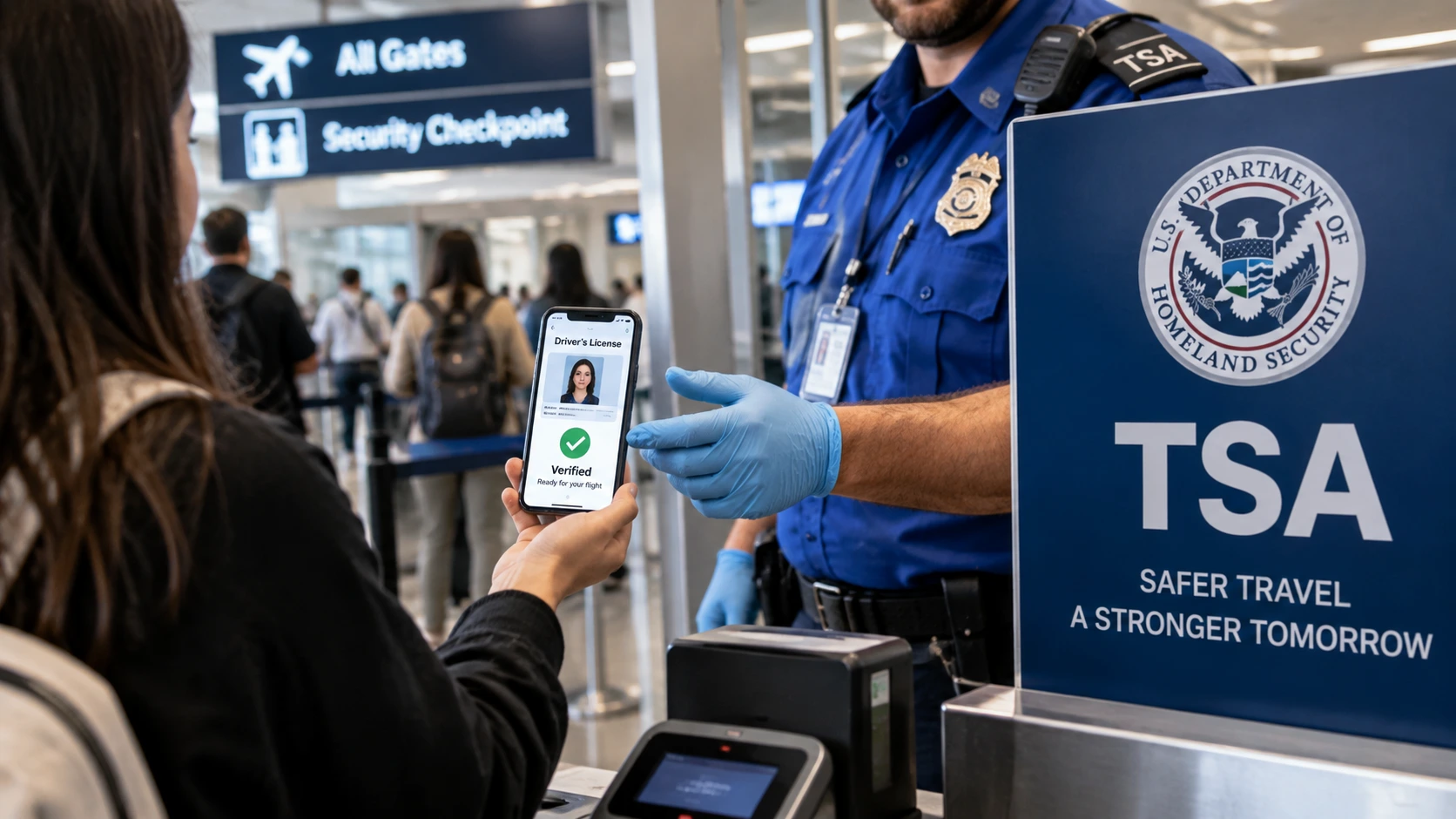
TSA digital driver’s license screening is now available across more than 250 airport locations or checkpoints, allowing eligible travelers to verify their identity with a phone instead of immediately handing over a plastic license. The Transportation Security Administration says supported mobile driver’s licenses and other approved Digital IDs can be presented through Apple Wallet, Google Wallet, Samsung Wallet or participating state-issued apps.

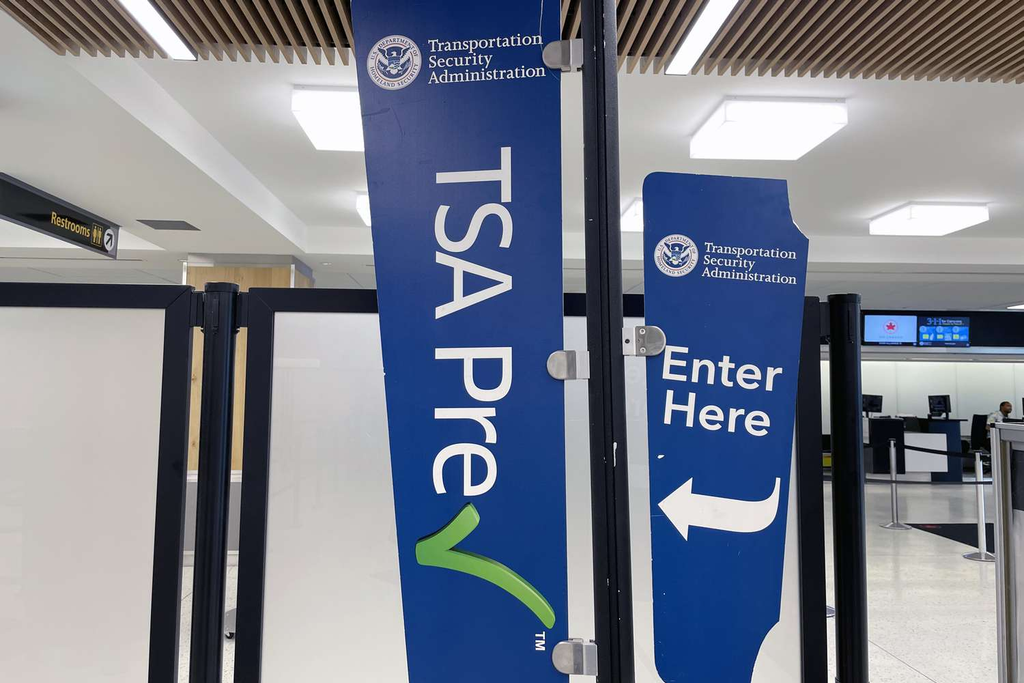
The expansion changes one of the most familiar parts of U.S. airport security: the ID check at the TSA podium. It does not, however, mean travelers can safely leave their physical license or passport at home.
According to TSA’s Digital Identity and Facial Comparison Technology guidance, passengers using Digital ID should continue carrying an acceptable physical identification document because the digital credential may not be verified successfully at every checkpoint or in every situation.
Can You Use a Digital Driver’s License at TSA in 2026?
Yes, eligible mobile driver’s licenses can be used for TSA identity verification at participating airport checkpoints in 2026.
A mobile driver’s license, commonly shortened to mDL, is not simply a photograph of a license saved to a phone. It is a digitally issued credential that securely communicates verified identity information from the issuing authority.
TSA says an eligible state-issued mobile credential must be based on a REAL ID-compliant driver’s license or identification card, Enhanced Driver’s License, or Enhanced Identification Card. Travelers can check the latest eligibility through TSA’s Participating States and Eligible Digital IDs page.
One detail deserves attention: TSA’s main Digital ID page describes availability at more than 250 airports, while its participating-state page describes the technology across more than 250 TSA checkpoints. The practical takeaway is more important than the wording—Digital ID support remains checkpoint-specific, so travelers should not assume every lane inside a participating airport has the same reader.
Also read – TSA Expands Gate-Pass Program Allowing Non-Fliers Past …
Which States Have TSA-Eligible Digital Driver’s Licenses?
TSA currently lists 22 states or U.S. jurisdictions with eligible mobile driver’s license options.
The exact wallet supported varies by issuing authority, which is why a license available on an iPhone in one state may not have the same Android or Samsung support in another.
| State or jurisdiction | TSA-listed Digital ID options |
|---|---|
| Alaska | Alaska Mobile ID |
| Arkansas | Arkansas Mobile ID, Apple Wallet, Google Wallet, Samsung Wallet |
| Arizona | Apple Wallet, Google Wallet, Samsung Wallet |
| California | California DMV Wallet App, Apple Wallet, Google Wallet |
| Colorado | Apple Wallet, Google Wallet, Samsung Wallet, CO Mobile ID |
| Georgia | Apple Wallet, Google Wallet, Samsung Wallet |
| Hawaii | Apple Wallet |
| Illinois | Apple Wallet |
| Iowa | Iowa Mobile ID, Apple Wallet, Google Wallet, Samsung Wallet |
| Kentucky | KY Mobile ID |
| Louisiana | LA Wallet |
| Maryland | Apple Wallet, Google Wallet, Samsung Wallet |
| Montana | Apple Wallet, Google Wallet |
| New Mexico | Apple Wallet, Google Wallet |
| New York | NY MiD app |
| North Dakota | Apple Wallet, Google Wallet, Samsung Wallet |
| Ohio | Apple Wallet, Google Wallet |
| Oklahoma | Apple Wallet |
| Puerto Rico | Apple Wallet, Google Wallet |
| Utah | GET Mobile App |
| Virginia | VA MiD app, Apple Wallet |
| West Virginia | WV MiD app, Apple Wallet, Samsung Wallet |
The list can change as states and wallet providers add support. Checking TSA’s official state eligibility page shortly before departure is more reliable than relying on an old airport article, social-media post or screenshot.
Also read – The Worst Airports for Spring Break 2026 Ranked

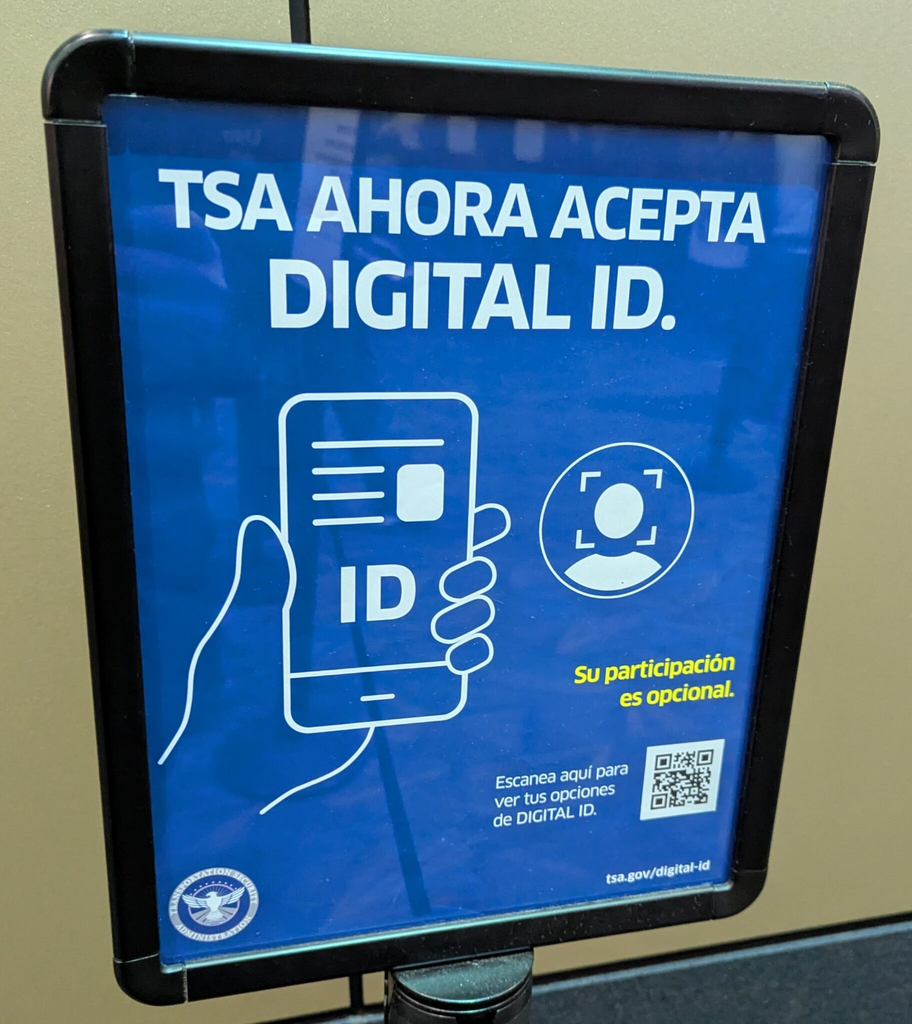
How Does TSA Digital ID Screening Work at the Airport?
Travelers normally tap their phone on the Digital ID reader or scan a QR code and approve the information TSA requests.
The process is designed to avoid handing a phone to the officer.
A typical TSA Digital ID interaction works like this:
- Prepare the Digital ID before arriving at the airport. Add the eligible license or ID to the approved wallet or state application and complete its identity-verification process.
- Look for a Digital ID-enabled TSA checkpoint. Airport-wide participation does not guarantee identical capability at every podium.
- Tap the phone or scan the Digital ID QR code. The checkpoint reader initiates the secure request.
- Review the information request on the device. The traveler authorizes the requested data instead of simply exposing everything printed on a physical license.
- Follow the TSA officer’s instructions. Where facial comparison is being used, a camera may compare the live traveler with the photograph associated with the credential.
TSA says Digital IDs can improve privacy because the transaction can provide only the identity information needed for verification, rather than requiring the traveler to expose every field printed on a physical credential.
Do You Still Need Your Physical Driver’s License With TSA Digital ID?
Yes. TSA specifically tells Digital ID users to continue carrying an acceptable physical ID.
This is the most important packing rule in the entire rollout.
A phone can run out of power. A wallet credential can fail to load. A particular security lane may not support the Digital ID being presented. Equipment can also be unavailable.
For that reason, TSA’s current guidance says travelers should still carry an acceptable compliant physical credential. The agency maintains its full list on the TSA Acceptable Identification page.
Practical airport rule: keep the physical ID somewhere accessible rather than buried inside a checked suitcase. A digital credential is most useful when it saves a step, not when it becomes the traveler’s only route through security.
Also read – TSA Expands Airport Gate Access for Non-Ticketed Visitors
Is a REAL ID Still Required If You Have a Digital Driver’s License?
An eligible mobile driver’s license must generally be based on a federally acceptable underlying credential, so Digital ID does not bypass REAL ID requirements.
REAL ID enforcement began on May 7, 2025. TSA no longer treats an ordinary non-REAL-ID state license as standard acceptable identification for adults at airport checkpoints.
The agency’s 2024 mobile-license rule allowed approved states to continue offering qualifying mDLs for federal identity verification while longer-term federal standards are developed.
Travelers uncertain about their physical credential can check the government’s current TSA REAL ID guidance before departure.
Is TSA Facial Recognition Required With a Digital ID?
No. TSA says participation in facial comparison technology is voluntary.
Travelers who do not want a photo taken can tell the TSA officer before presenting the ID and use the alternative identity-verification process.
TSA states that passengers who decline facial comparison do not lose their place in line, and its current facial-comparison guidance says the alternative check should not result in negative consequences simply because someone chose not to participate.
TSA also states that photos used for standard facial comparison are deleted after a successful identity match, except in specifically disclosed limited testing environments. The agency says the technology at the checkpoint is intended for identity verification rather than surveillance or law-enforcement use.
Travelers who want the underlying federal privacy documentation can review DHS privacy assessments covering TSA systems, including the Digital Identity Technology Pilots assessment.
TSA Digital ID vs TSA PreCheck Touchless ID: What Is the Difference?
TSA Digital ID and TSA PreCheck Touchless ID are separate systems, even though both can involve digital identity and facial comparison.
| Feature | TSA Digital ID | TSA PreCheck Touchless ID |
|---|---|---|
| Main purpose | Present an eligible digital credential instead of starting with a plastic ID | Verify an enrolled traveler primarily through facial comparison |
| TSA PreCheck required | No, depending on participating checkpoint | Yes |
| Passport required | Not for a state-issued mDL | Yes |
| Phone credential | Often used | Can be used for enrollment/opt-in workflows |
| Current reach | 250+ participating airport locations/checkpoints | 65 airports |
| Physical ID backup | TSA says to carry one | Carrying acceptable travel identification remains prudent |
TSA PreCheck Touchless ID currently operates at 65 airports. Eligible travelers must be TSA PreCheck members, have a valid passport and satisfy the participating airline or Google Wallet enrollment requirements.
The official requirements are available through TSA PreCheck Touchless ID.
What Happens If Your Digital ID Does Not Work at TSA?
A failed Digital ID transaction is usually a reason to switch to the physical-ID process, not a reason to panic.
The quickest recovery is straightforward:
- Keep the physical ID in carry-on belongings.
- Do not place the only physical credential in checked baggage.
- Charge the phone before leaving for the airport.
- Complete wallet enrollment before travel day instead of attempting setup while standing in the security line.
- Check TSA’s participating-state page again before departure because accepted wallets and state programs can change.
- Follow the officer’s instructions if a particular checkpoint cannot process the credential.
A realistic example is a traveler who has successfully used an Arizona mobile license at one major airport and assumes the return airport will work identically. That assumption can fail because acceptance depends on the credential, airport technology and individual checkpoint capability, not simply the fact that the license exists in a digital wallet.
The physical card therefore remains the best fallback.
Can a TSA Digital ID Replace a Passport for International Travel?
No. A TSA Digital ID should not be treated as a replacement for the physical passport required for international travel.
TSA separately lists passport-backed Digital ID products for domestic travel, including qualifying wallet-based credentials, but that does not convert a phone credential into an international border-crossing document.
International travelers should carry the physical passport required by their destination and airline even when a Digital ID can be used at the TSA checkpoint before departure.
What Travelers Should Do Before Their Next Flight
The safest approach is to treat Digital ID as a faster identity-verification option while keeping a physical credential ready as backup.
Before leaving for the airport:
- Confirm the state or issuing authority appears on TSA’s latest eligibility list.
- Confirm the Digital ID is fully activated in the approved app or wallet.
- Check that the underlying state credential meets federal requirements.
- Carry the physical REAL ID, Enhanced ID or another acceptable TSA document.
- Keep the phone charged.
- Look for Digital ID signage at the actual checkpoint.
- Tell the TSA officer before presenting identification if declining the optional facial photo.
The most useful change for travelers is therefore not that the wallet has disappeared—it is that identity verification increasingly has a digital alternative.
TSA has moved mobile driver’s licenses from a small early trial into a system reaching hundreds of airport checkpoints, while simultaneously expanding facial-comparison equipment and the separate PreCheck Touchless ID program. The transition is substantial, but it is not yet completely paperless or wallet-free.