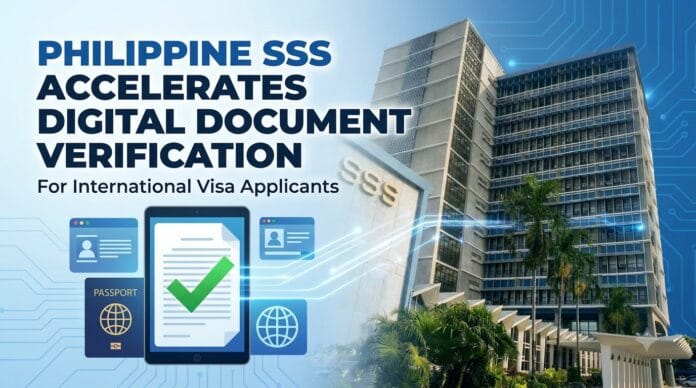
The Philippine Social Security System (SSS) has officially accelerated the rollout of its digital document verification system for international visa applicants. Visa officers in embassies worldwide now require instant, verifiable proof of private-sector employment to approve tourist, work, or immigrant visas. Instead of waiting weeks for manual branch certifications, applicants must now generate publicly verifiable e-Certificates directly through the official online portals.
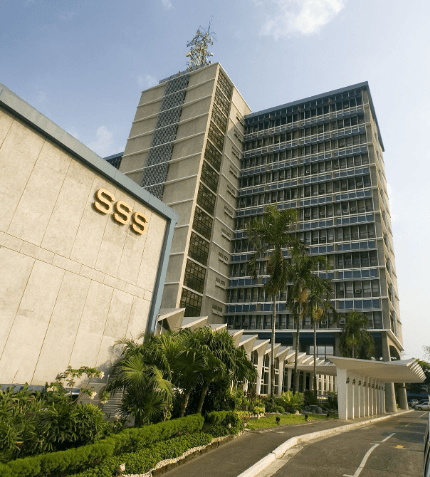
This digital shift eliminates the need for physical stamps. It strictly enforces the acceptance of QR-coded PDF documents, preventing fraudulent employment claims and significantly speeding up international background checks.
What Digital SSS Documents Do Visa Officers Actually Require?
Visa officers require specific documents to prove deep economic ties to the Philippines. They specifically look for continuous employment history and actual financial contributions rather than just a basic membership status.
Submitting the wrong form often leads to automatic visa denials. Applicants must distinguish between these three exact documents.
| Document Name | What It Actually Proves | Common Visa Application Use |
| SSS Employment History | Employers and exact coverage periods | Proves continuous private-sector employment |
| Contribution Record | Actual posted monthly premiums | Proves regular income and financial capacity |
| Certificate of Membership | Basic SSS registration details | Serves as secondary identification proof |
Also read – Ranked: The Most Expensive Tourist Visas in the World
How Does the Digital Verification Process Work?
The system uses Public Key Infrastructure (PKI) to embed a digital signature directly into the downloaded PDF file. This cryptographic signature proves the document originated directly from the Philippine government database.
Foreign embassies use this built-in code to verify the document instantly without calling a local branch. To generate a legally binding copy, applicants must follow these exact steps:
- Access the official portal: Log in directly to the My.SSS Web Portal.
- Complete the security check: Enter the required One-Time Password (OTP) sent to the registered mobile number.
- Select the correct inquiry: Navigate to the “Member Info” section and select “Employment History” or “Contribution Record”.
- Generate the digital file: Click the specific option to generate an e-Certificate or save the displayed ledger as a high-resolution PDF.
- Preserve the metadata: Do not alter the PDF file name or compress the document, as this breaks the embedded digital signature.
Helpful Fix: If the OTP system fails to send a code, the mobile number on file is likely outdated. Applicants must submit a Member Data Change Request Form (SS Form E-4) at a physical branch to restore online access.
Can Applicants Still Use the FOI Portal for SSS Certificates?
The government strongly advises against using the manual Freedom of Information (FOI) system for standard visa documents. The FOI SSS Request Portal previously handled these requests, but turnaround times often exceeded 15 business days.
Embassies now demand real-time verification. Submitting an FOI request adds unnecessary delays to a highly time-sensitive visa application. The digital My.SSS portal provides the exact same legally recognized document instantly.
Visa applicants should only use the manual branch request method if a specific embassy demands a physical document bearing a wet ink signature or dry seal.
Do Printed SSS Documents Need an Apostille?
Digital SSS records generally do not require a Department of Foreign Affairs (DFA) Apostille for standard tourist or student visa applications. Most immigration officers accept the self-verifying QR code and PKI signature as sufficient proof of authenticity.
However, applicants seeking permanent residency or spousal visas in strict jurisdictions might face different rules. To create a flawless employment packet, applicants should bundle the digital SSS Employment History with supporting financial documents.
Include the following items to create an airtight proof of employment:
- A recent Certificate of Employment (COE) detailing salary and position.
- The latest Bureau of Internal Revenue (BIR) Form 2316.
- Three months of bank statements showing exact payroll deposits matching the SSS contribution timeline.

