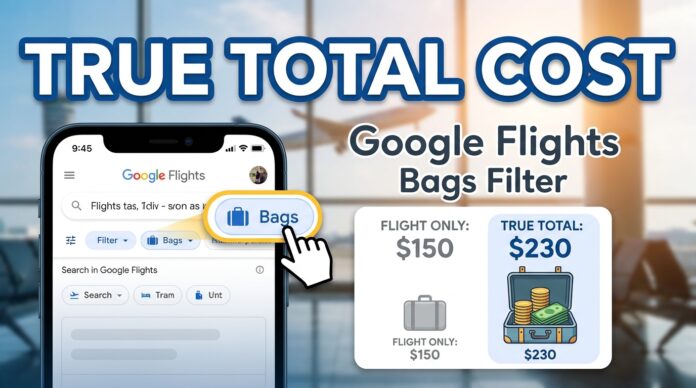
The Google Flights bags filter instantly recalculates your flight search results to include the exact cost of your carry-on and checked luggage. By entering your baggage needs before you hit search, you strip away the deceptive “base fares” of budget airlines and basic economy tickets, revealing exactly what you will pay at checkout.
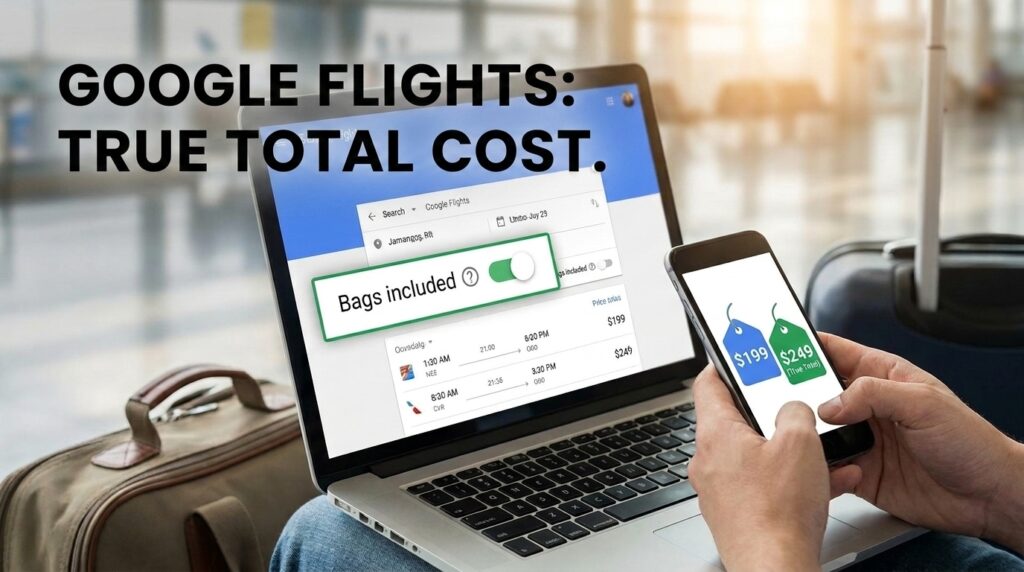
We have all been there. You find an incredible $89 round-trip ticket to Chicago. You click through to book, only to realize the airline charges $65 each way for a carry-on bag. Suddenly, that budget fare is more expensive than a premium ticket on a legacy carrier.
Here is exactly how to stop falling for the “cheap flight” illusion and use the bags filter to find the true lowest price.
How Do I See Flight Prices with Baggage Included?
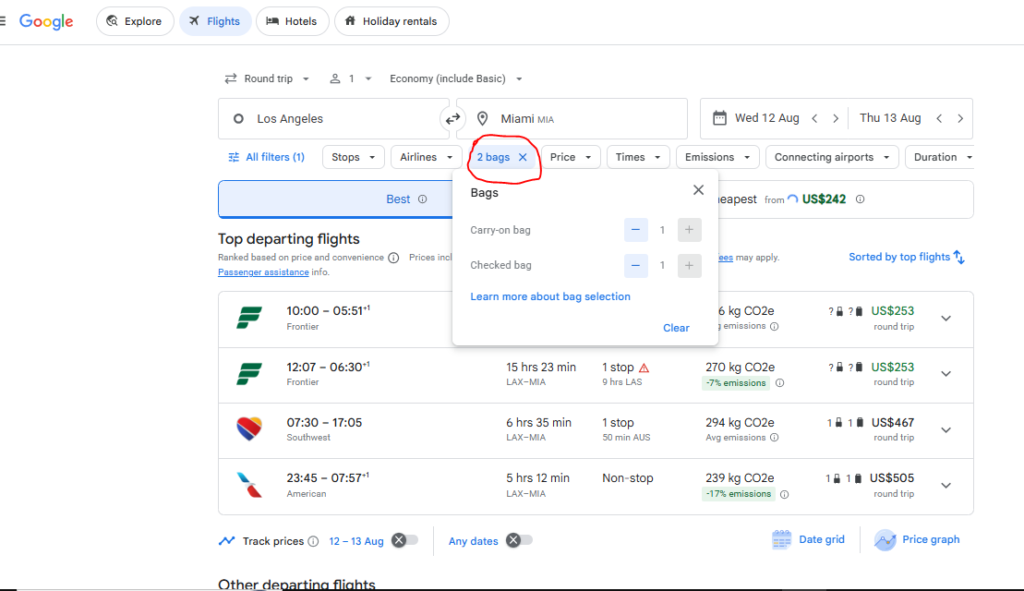
To see the real cost of your flight, you need to adjust the baggage counter located right next to the passenger count at the top of the Google Flights search bar.
Here is the step-by-step fix to avoid hidden fees:
- Open Google Flights and enter your departure and destination cities.
- Locate the “Bags” icon (it looks like a small suitcase) in the top menu before you click search.
- Click the plus (+) to add the exact number of carry-on bags and checked bags you plan to bring.
- Watch the prices update. The search results will instantly refresh.
Personal tip: Always add a carry-on bag to the filter even if you think you might pack light. Airlines like Spirit, Frontier, and even United (on basic economy fares) charge heavily for anything larger than a small backpack that fits under the seat.
Also read – Google Flights Best vs Cheapest: Which to Pick?
The Basic Economy Trap: Why You Need This Filter
The biggest reason to use the bags filter is to outsmart Basic Economy fares. Legacy carriers created these bare-bones tickets to compete with budget airlines, but the restrictions can be brutal.
For example, I once booked a cheap Basic Economy flight on United Airlines for a quick weekend trip, completely forgetting that United does not allow a full-sized carry-on for this fare class. I was forced to pay a $35 checked bag fee at the gate, plus an additional $25 gate-handling penalty. It completely erased my savings.
When you tell Google Flights you have one carry-on bag, the algorithm automatically removes any Basic Economy fares that do not permit them (like United’s), or it dynamically adds the exact baggage fee to the display price.
Also read – How to Use Google Earth Flight Simulator Online for Free?
How the Filter Changes Airline Price Rankings
When you search without the bags filter, budget airlines almost always appear at the top. When you add just one carry-on and one checked bag, the leaderboard completely flips.
Here is a real-world example of how the filter exposes true costs:
| Airline & Fare Type | Advertised Base Fare | Baggage Fees (1 Carry-on, 1 Checked) | True Total Cost on Google Flights |
| Spirit Airlines | $79 | $130 ($60 carry-on + $70 checked) | $209 |
| Delta (Basic Economy) | $129 | $70 ($0 carry-on + $70 checked) | $199 |
| Southwest Airlines | $189 | $0 (2 free checked, 1 free carry-on) | $189 |
Notice how Southwest, initially the most expensive option, actually becomes the cheapest flight once you account for luggage.
Also read – How to Set Price Alerts on Google Hotels to Find Cheap Deals
What to Do (and What Not to Do) When Booking
To guarantee you never overpay for a flight again, follow these strict rules.
What to Do:
- Check airline sizing limits. A “personal item” is not a carry-on. According to the U.S. Department of Transportation (DOT) consumer aviation guidelines, airlines have full legal authority to define their own bag sizes. Always check the specific dimensions on the airline’s website.
- Pay for your bags during booking. If you do not use the Google Flights filter and end up needing a bag later, always add it online before you arrive at the airport. Gate agents charge the highest premium possible.
- Factor in credit card perks. Google Flights does not know if you have an airline-branded credit card. If your Delta SkyMiles card gives you a free checked bag, you will need to manually subtract that fee from Google’s displayed price.
What Not to Do:
- Never assume legacy carriers give you a free carry-on. American, Delta, and United all handle basic economy differently.
- Do not rely on third-party OTAs. Booking directly with the airline ensures your baggage fees are correctly applied. Third-party sites often have disconnected baggage systems, leading to double charges.
By taking two seconds to toggle the bags filter, you completely protect yourself from travel industry pricing tricks.

