
Google Flights categorizes search results into “Best” and “Cheapest” tabs to help travelers manage price and convenience. The Best tab uses an algorithm to weigh ticket costs against travel duration, stops, and departure times. It aims to provide the most logical balance for travelers seeking efficiency.
The Cheapest tab displays the lowest base fares but may include long layovers or restrictive tickets. Travelers can refine these results by applying manual filters for baggage and maximum travel duration. Choosing between these options depends on budget flexibility and the total length of the journey.
To choose between the “Best” and “Cheapest” tabs on Google Flights, pick “Best” to find flights that perfectly balance price with travel convenience, and select “Cheapest” only when your budget is strict enough to endure long layovers, basic economy restrictions, and split-ticket itineraries.
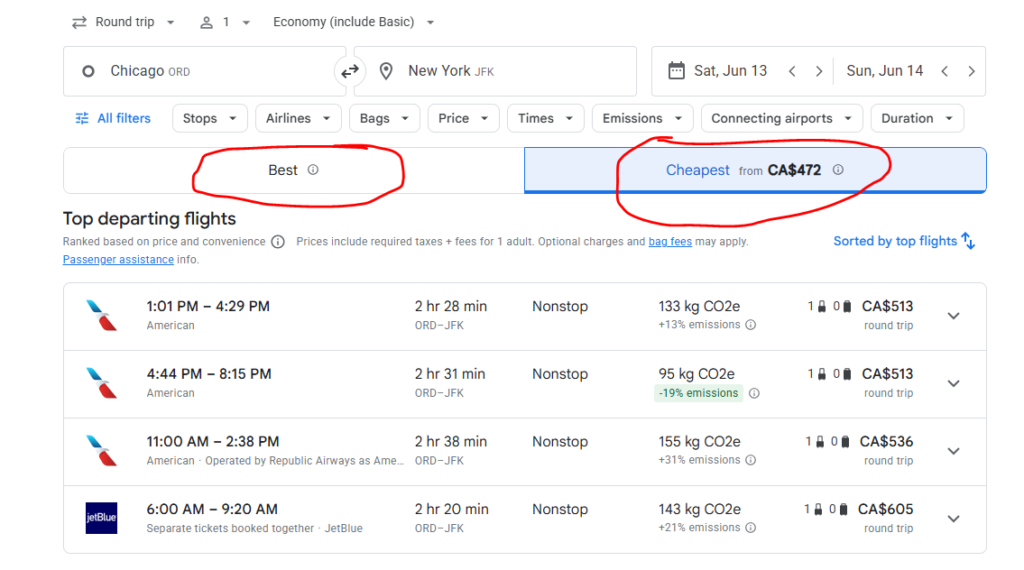
We see travelers get completely overwhelmed when confronted with hundreds of flight results. Clicking a $150 flight to Europe seems like a massive win until you realize it takes 38 hours to get there. The secret to mastering Google Flights is understanding exactly how the platform’s algorithm sorts these tickets so you never accidentally book a travel nightmare.
Here is exactly how to decide which tab deserves your hard-earned money.
What Exactly Does the “Best Flights” Tab Mean?
The “Best Flights” tab uses an algorithm designed to rank flights based on the optimal trade-off between ticket price and passenger convenience. It does not just look at the dollar amount; it weighs how much of your actual vacation time is being wasted in transit.
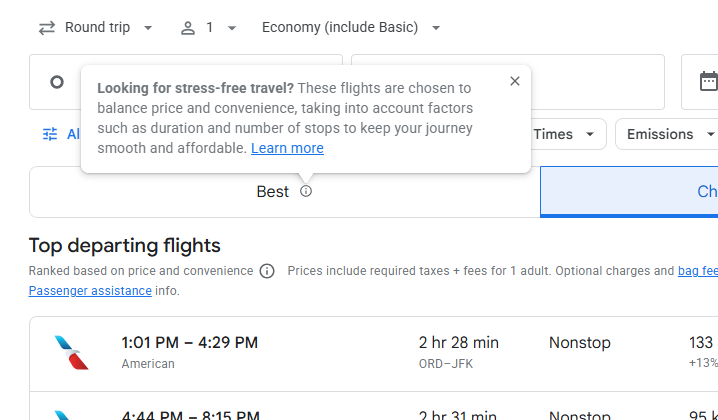
When sorting by “Best,” the platform automatically analyzes the following factors to push the most logical flights to the top of your screen:
- Total Flight Duration: Prioritizes direct flights and short layovers.
- Time of Day: Filters out brutal 3:00 AM departures unless they are significantly cheaper.
- Number of Stops: Penalizes itineraries requiring multiple plane changes.
- Carrier Quality: Highlights established airlines over ultra-low-cost carriers with high hidden fees.
Experience Tip: We recently booked a business trip from New York to London. The “Best” tab recommended a $450 direct flight on British Airways taking 7 hours. It was slightly more expensive than other options, but it preserved a full day of our trip.
Also read – How to Set Price Alerts on Google Hotels to Find Cheap Deals
Why the “Cheapest” Tab Can Be a Costly Trap
The “Cheapest” tab sorts results purely by the absolute lowest base fare, completely ignoring the misery of a 14-hour overnight layover or hidden baggage fees.
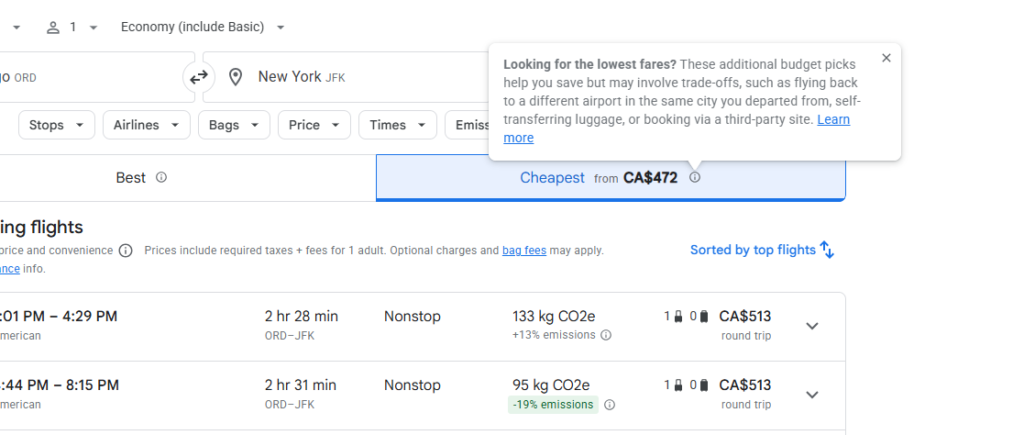
While seeing rock-bottom prices is exciting, the “Cheapest” tab often surfaces “hacker fares” (booking two separate one-way tickets on different airlines) or Basic Economy tickets. If you have a delay on a hacker fare, the second airline is not legally obligated to rebook you.
Here is a realistic comparison of what you might see for a transatlantic route:
| Feature | “Best” Flight Example | “Cheapest” Flight Example |
| Price | $450 | $310 |
| Duration | 7 hours (Direct) | 22 hours (2 Stops) |
| Baggage | Carry-on included | Personal item only |
| Risk Level | Low (Single airline) | High (Self-transfer required) |
Helpful Tips: How We Filter for the Perfect Flight
To get the most out of your search, never rely on just clicking a tab. You need to combine the default sorting with strict manual filters to force the algorithm to show you exactly what you want. Travel experts at Going.com recommend adjusting your parameters before you even look at the prices.
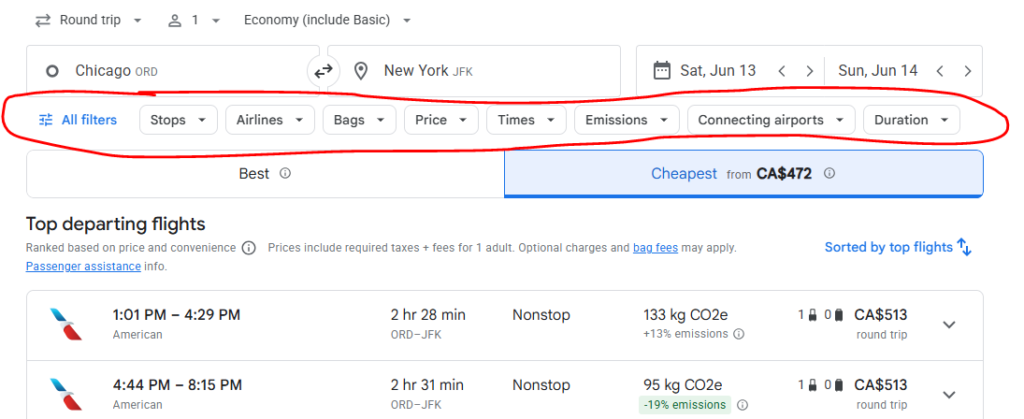
Follow these exact steps to uncover the true best flights:
- Set Your Bags First: Click the “Bags” filter and add one carry-on. This instantly removes basic economy traps from the “Cheapest” tab.
- Cap Your Duration: Use the “Duration” filter to set a maximum travel time. If a direct flight takes 3 hours, cap your total search duration at 5 hours to eliminate awful layovers.
- Filter Out Self-Transfers: Under the “Airlines” or “Stops” filter, ensure you uncheck “Separate tickets booked together.” This protects you from being stranded in a foreign airport.
Also read – How to Filter Out Basic Economy on Google Flights Easily?
When Should You Actually Pick the “Cheapest” Option?
You should strictly pick the “Cheapest” tab if you are a highly flexible traveler, such as a backpacker, or if you are flying a very short domestic route where comfort does not matter.
If you are flying a simple two-hour route from Los Angeles to San Francisco, an ultra-low-cost carrier shown on the “Cheapest” tab is perfectly fine. A hard plastic seat is manageable for 120 minutes. However, if you are crossing an ocean, we always recommend sticking to the “Best” tab. Paying an extra $80 to save 10 hours of your life is the smartest travel investment you can make.

